
Features
Powerful features that bring Claude Code and Codex to every device.
Fuzzy Search for Files with @
Fuzzy search for files with @ in projects across web, mobile, and CLI.
- Type @ followed by a file path to mention files in your messages
- Reference multiple files in a single message
- Give Claude Code and Codex immediate context
Slash Commands
Access powerful commands quickly by typing "/" in the chat interface.
- Built-in Claude Code slash commands
- Custom commands from ~/.claude/commands
- Quick access to frequently used workflows
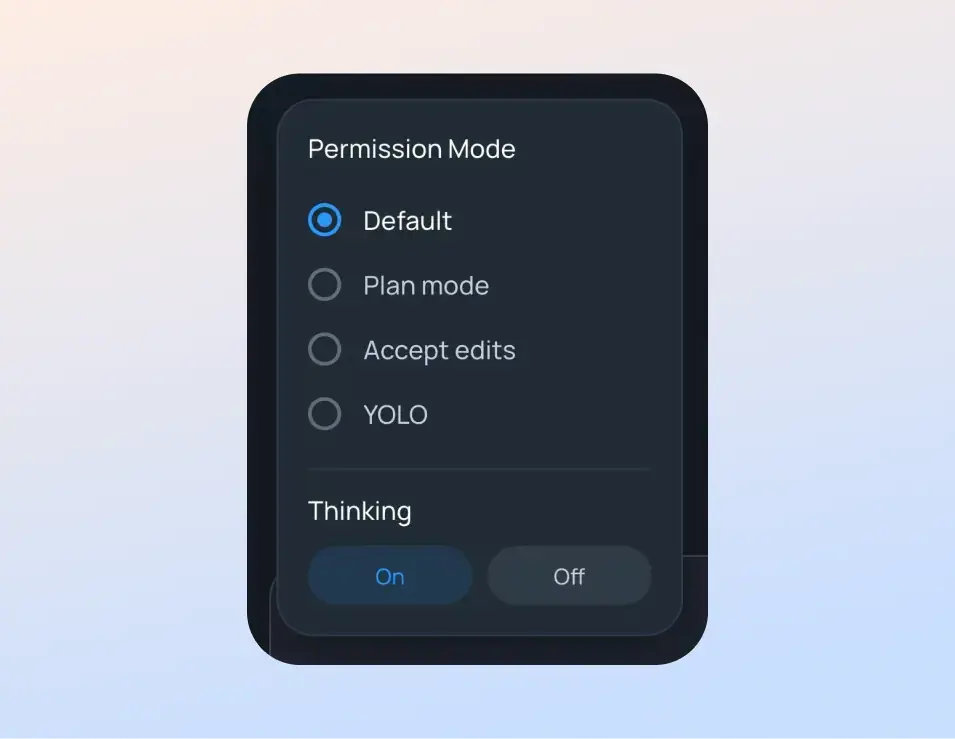
Permission Modes & Thinking Toggle
Switch between permission modes and thinking status.
- Permission modes: default, plan mode, accept edits, and bypass permissions (YOLO)
- Toggle thinking on/off
Start Agents from Anywhere
Launch new Claude Code or Codex sessions directly from your mobile or web interface.
- Start new agent sessions for new tasks
- Sessions start on your connected machine automatically
- Continue working from any device
Codex Support & Multiple Models
Support Claude Code, Codex, and use 300+ models from 60+ providers in OpenRouter.
- Use Claude Code, Codex, Kimi K2, or any model from OpenRouter
- Filter sessions by agent type, status, and date
Unseen Messages Navigation
Never lose your place in long conversations with smart message navigation.
- One tap to jump to the unseen messages
- One tap to scroll to the latest messages
- Stay in control of your chat flow
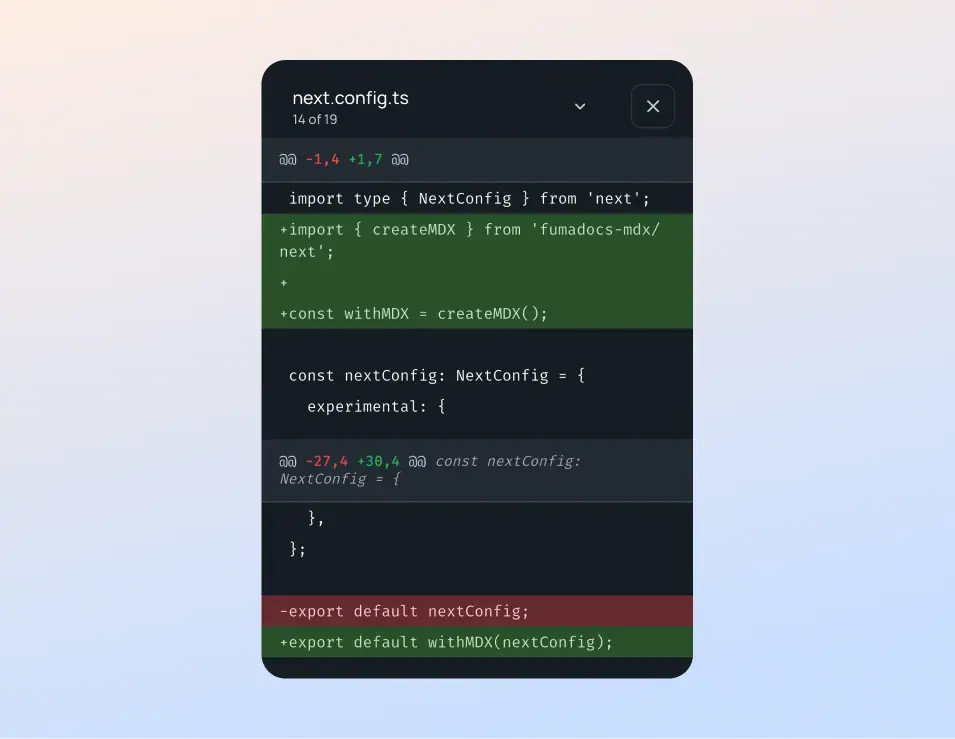
View File Changes
See changed files directly in Git diff format.
- Review changes on mobile or web
- Instant visibility into what AI agents changed
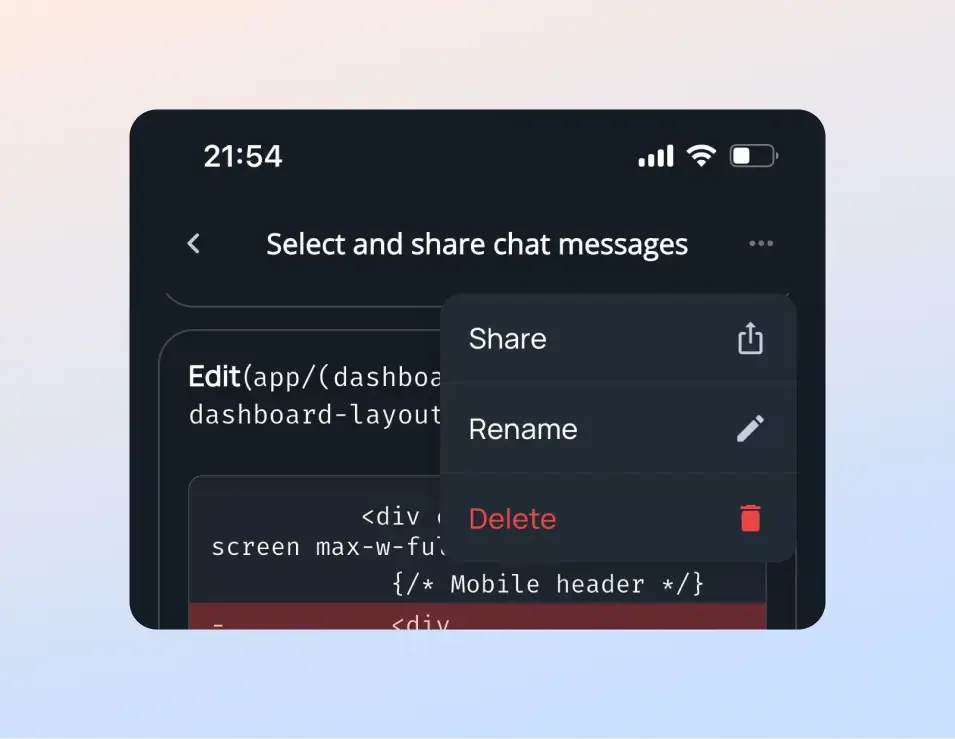
Share Chat Messages
Copy individual or multiple messages to share with others.
- Long-press a message to select it
- Select and copy multiple messages to share
Session Organization
Rename sessions for better organization and find them quickly with advanced filtering.
- Rename sessions with descriptive names
- Filter by agent (Claude Code or Codex)
- Filter by status (active, waiting, completed)
- Filter by date range for quick access
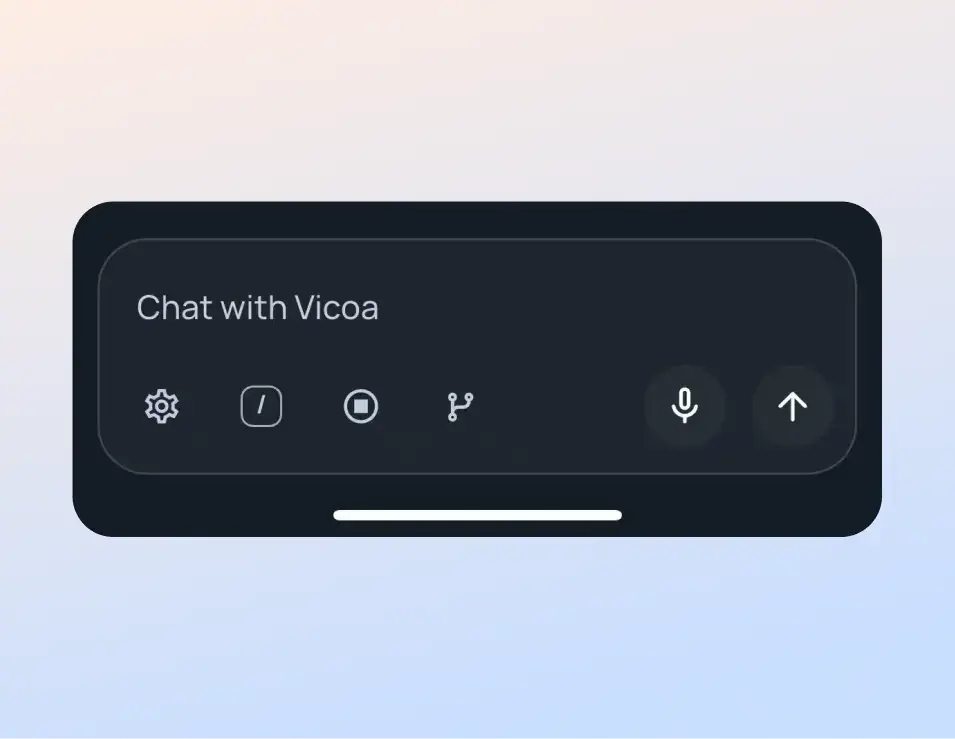
Talk to Code (Dictation)
Convert your voice to text for hands-free coding on mobile.
- Tap the microphone icon to speak your message
- Voice converts to text instantly
- Edit transcribed text before sending
More Features
Interrupt Functionality
Stop Claude Code execution at any time with a single click.
- •Instant stop with a single click
- •Change direction mid-execution
- •Provide additional context when needed
Draft Message Retention
Unfinished prompts automatically save as drafts for later continuation.
- •Never lose partially written prompts
- •Pause and continue conversations later
Cross-Device Workflow
Seamless synchronization across all devices with real-time updates.
- •Start on laptop, continue on mobile
- •Real-time sync across all devices
- •Alerts when agent needs input
Ready to Vibe Code Anywhere?
Get started with Agenio and experience the freedom of working from anywhere.